
Calendar & scheduling
Appointments, changing priorities, coordination and meeting details.
Executive Virtual Assistant
Business Operations & Administrative Support
I bring structure to your day-to-day operations, so you can focus on your priorities and growing your business.

I’m Mellinta, an Executive Virtual Assistant who enjoys bringing order to busy workflows and making sure important details don’t get overlooked.
I’m organized, proactive and detail-oriented with a strong focus on clear communication and follow-through. My goal is to provide dependable support that makes your workload lighter and your day-to-day operations easier to manage.
From executive support and CRM management to research, communication, process coordination, follow-ups and LinkedIn support, I bring reliable structure and support to your day-to-day operations.
The administrative work behind the scenes, handled with care, clarity and consistent follow-through.
Appointments, changing priorities, coordination and meeting details.
Cleaning records, organizing data and keeping information usable.
Inbox support, client communication and timely follow-up.
Documentation, research, trackers, coordination and recurring workflows.
Calendars shift. Messages accumulate. Information lives in different places. Follow-ups become easy to miss.
I organize the information, coordinate the moving parts, communicate clearly and keep the next action visible.
Clearer priorities. Better-organized information. Reliable follow-through.
A closer look at the systems, workflows and everyday details I help bring into order.
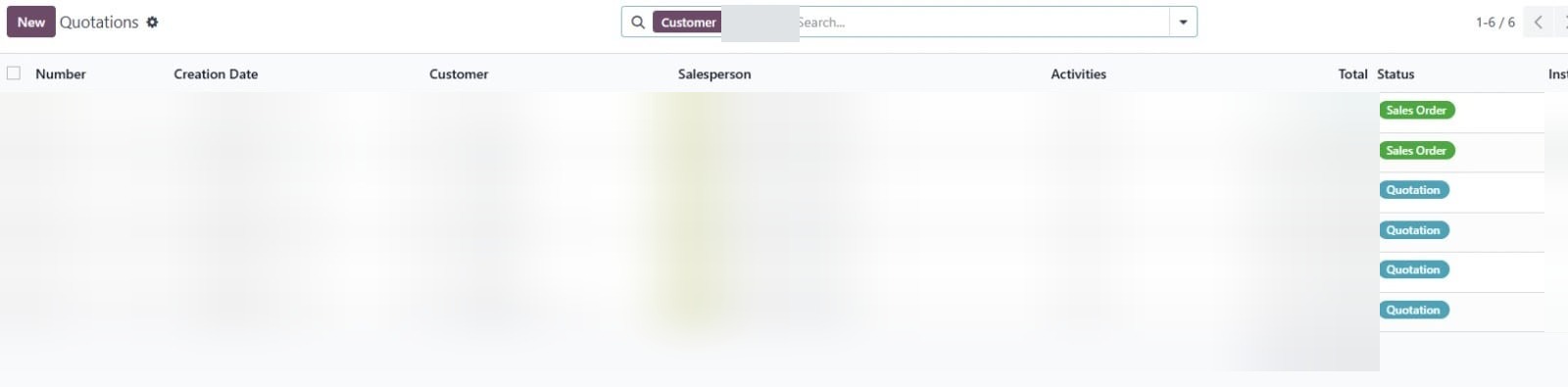 Blurred for privacy
Records contained duplicates and inconsistencies. I reviewed the data, identified issues, organized the information and improved its usability for research and outreach.
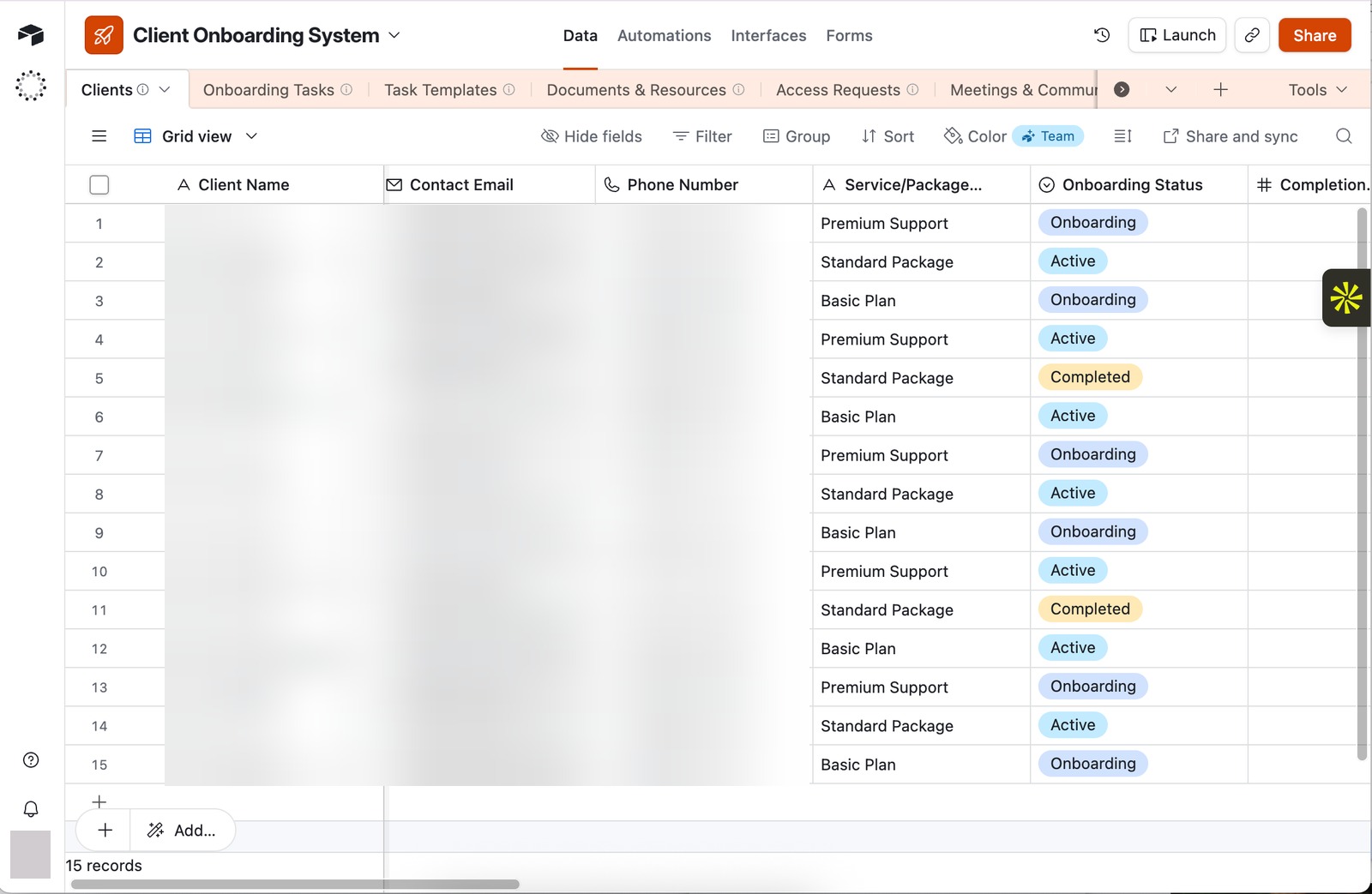 Blurred for privacy
I built a practical workflow for researching prospects, verifying information, organizing leads and supporting outreach and follow-up without letting the process become scattered.
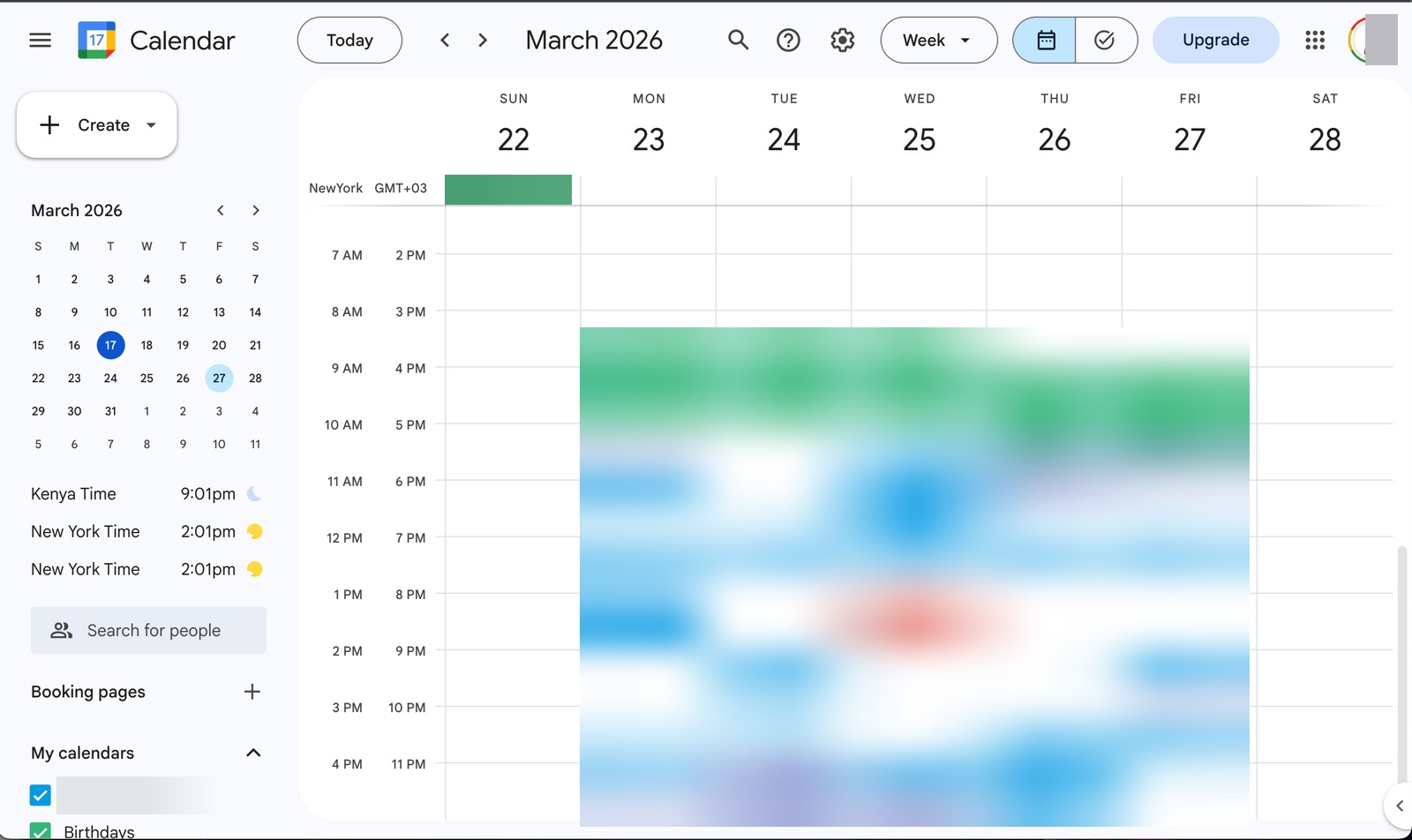 Blurred for privacy
Calendar management, scheduling, client communication, travel and administrative coordination were handled as connected responsibilities rather than isolated tasks.
Examples of task planning, information organization and onboarding structures in Asana, Notion, Monday.com and Airtable. These are my own workspace samples, showing how the tools are organized.
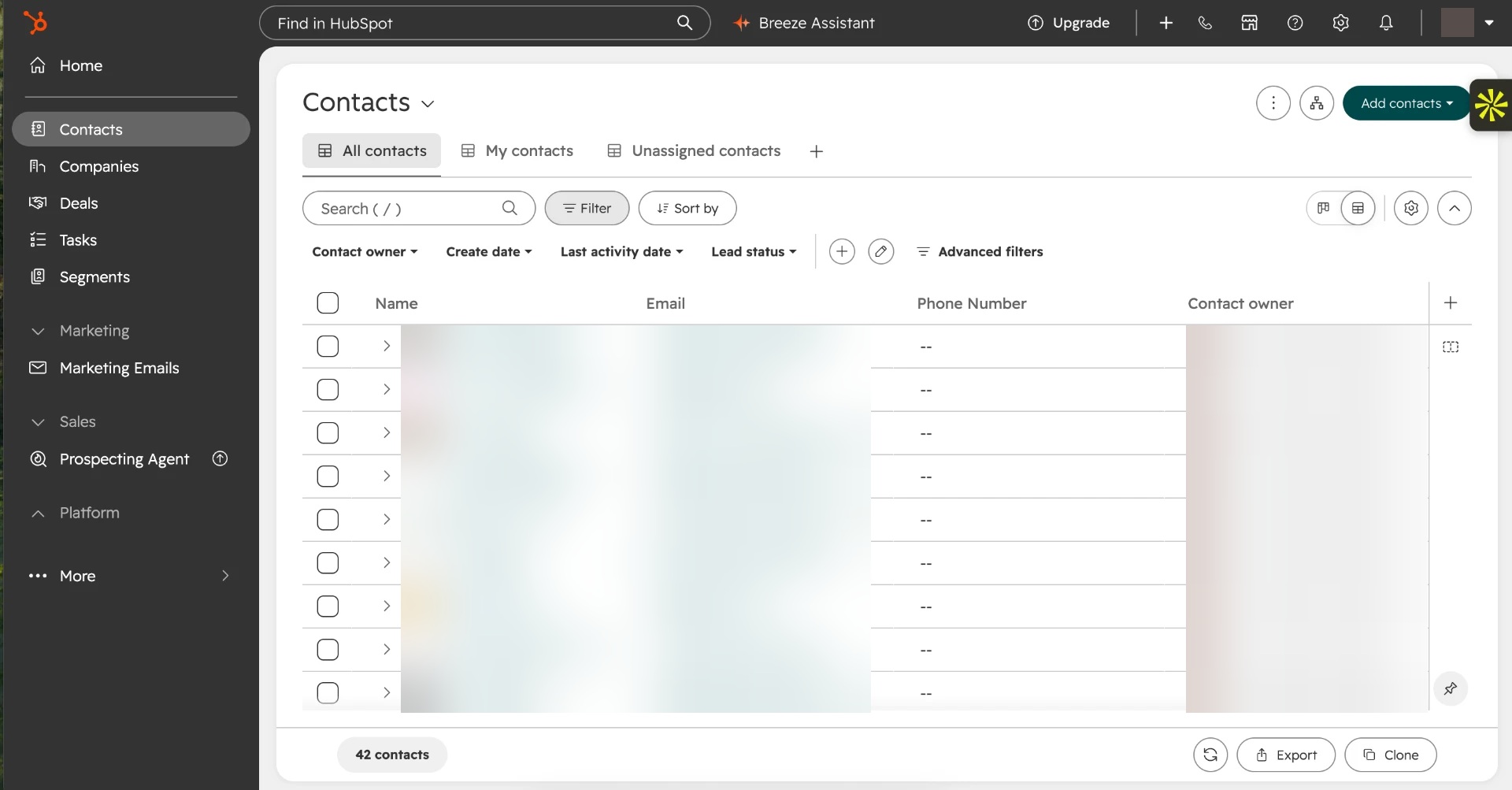
Two views of a CRM workspace: the contact list and an individual contact record. They show how contact information, ownership, lifecycle stage and interaction history can be kept together for follow-up.
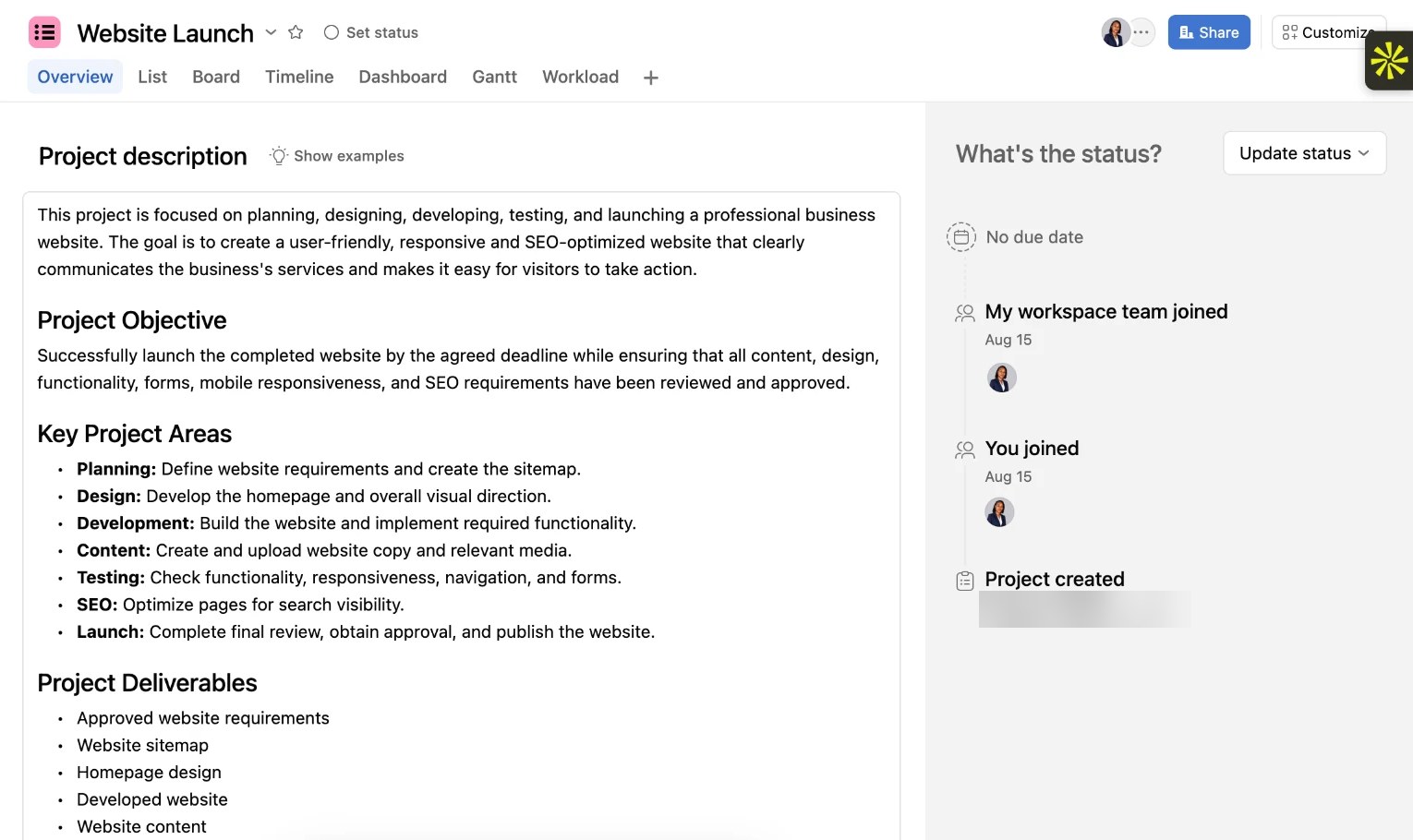
A sample project I set up in Asana to plan a business website from start to finish. It shows how a project is defined, broken into tasks and tracked, so everyone can see what is done, what is next and what needs attention.
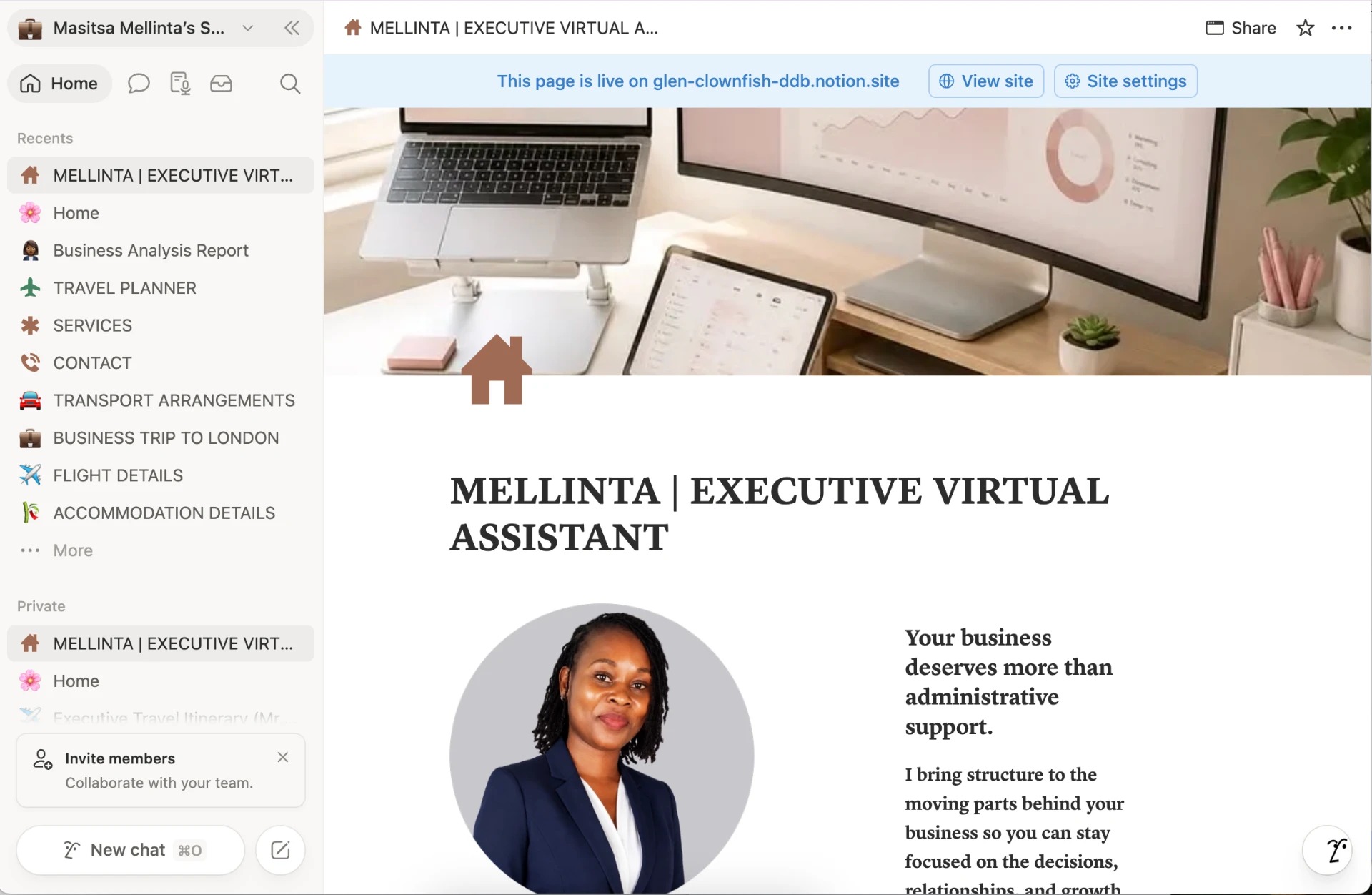
A professional profile page in Notion. It presents an introduction and business-support positioning in one place.
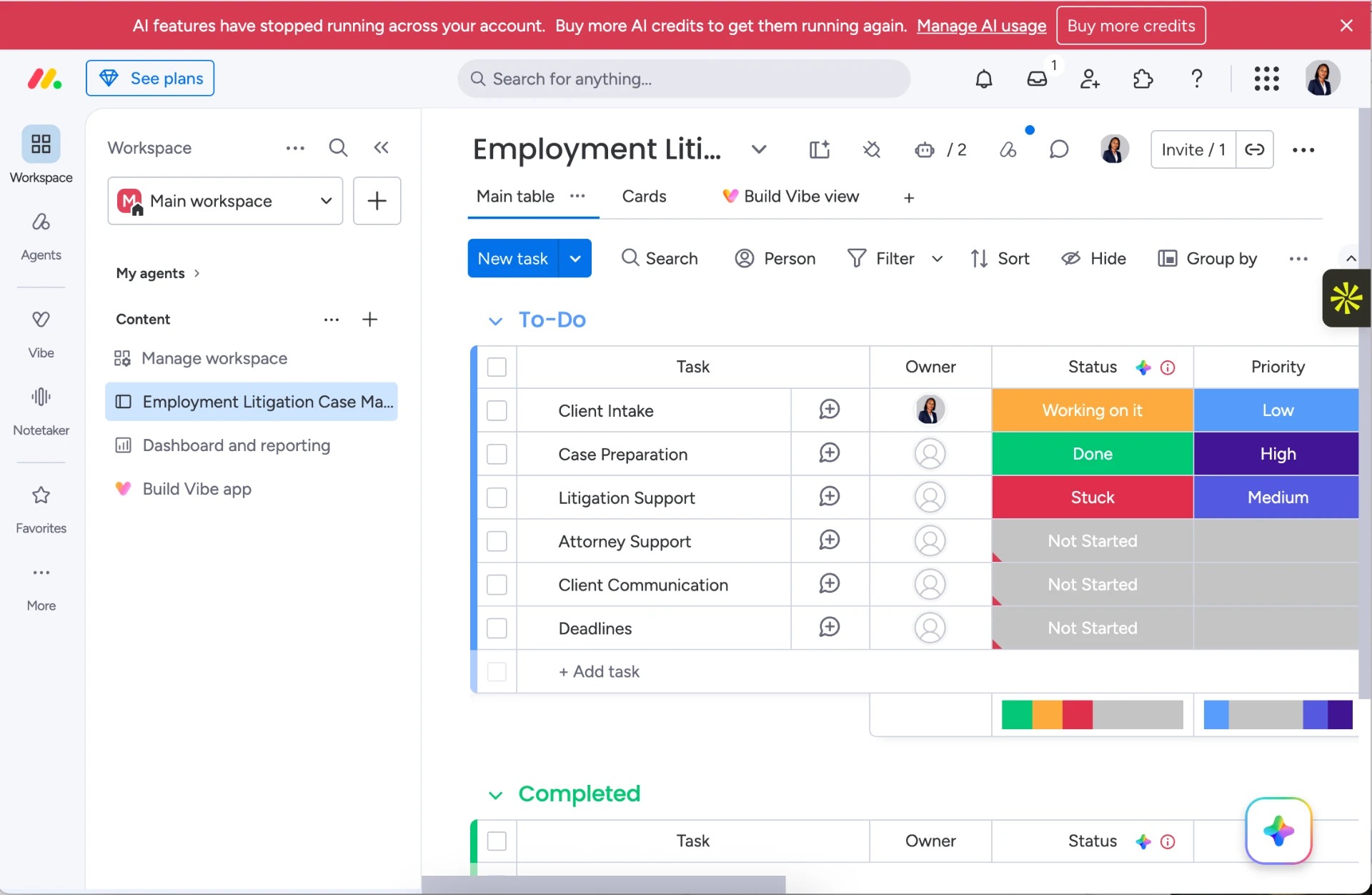
A task board covering client intake, case preparation, litigation support, attorney support, communication and deadlines. Status and priority columns show how work can be tracked; the screenshot does not establish case outcomes.
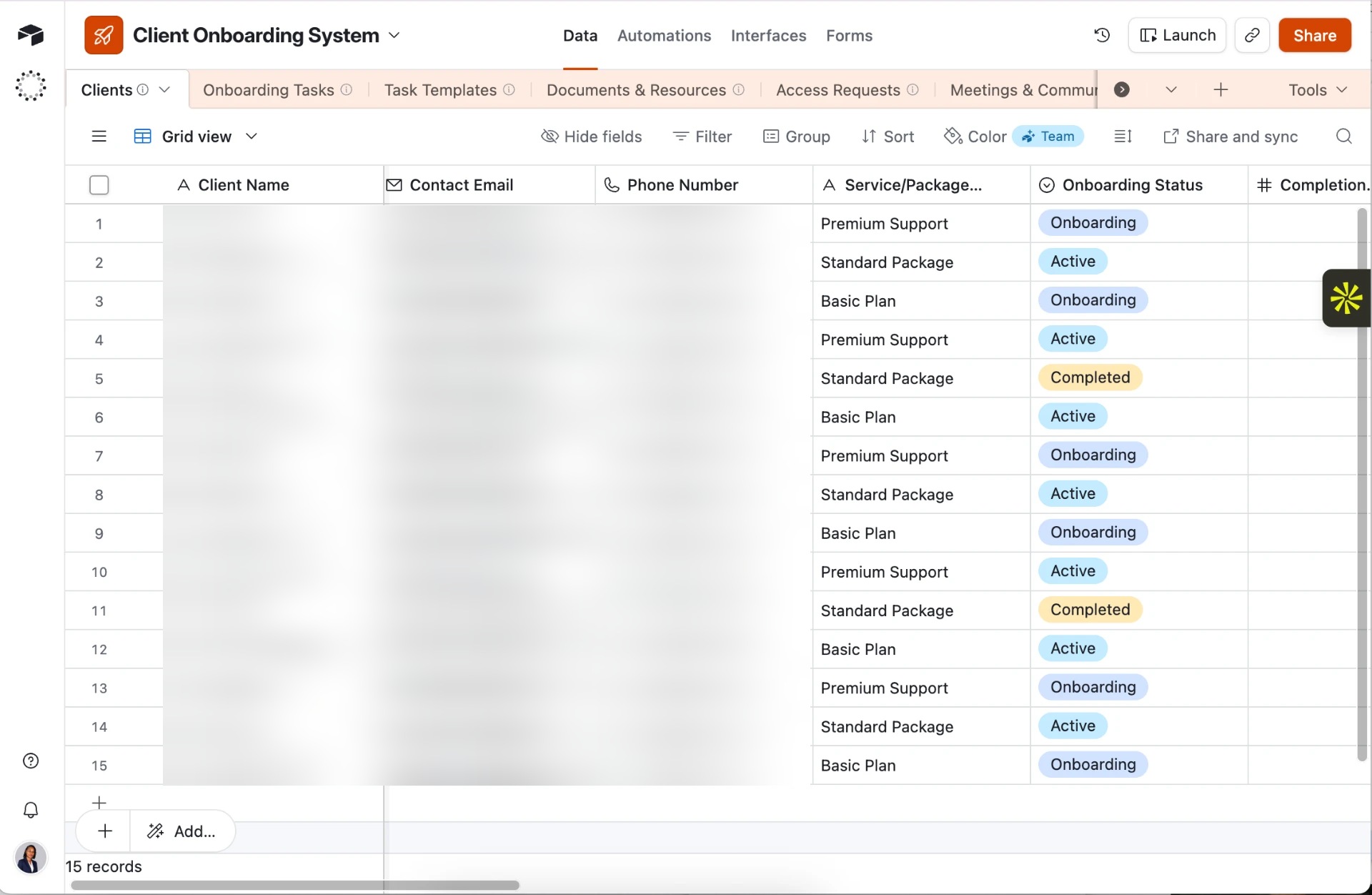
Three views of an onboarding workspace: client records and status, linked resources and access requests, and onboarding tasks. Together they show how related information can be organized in one system.
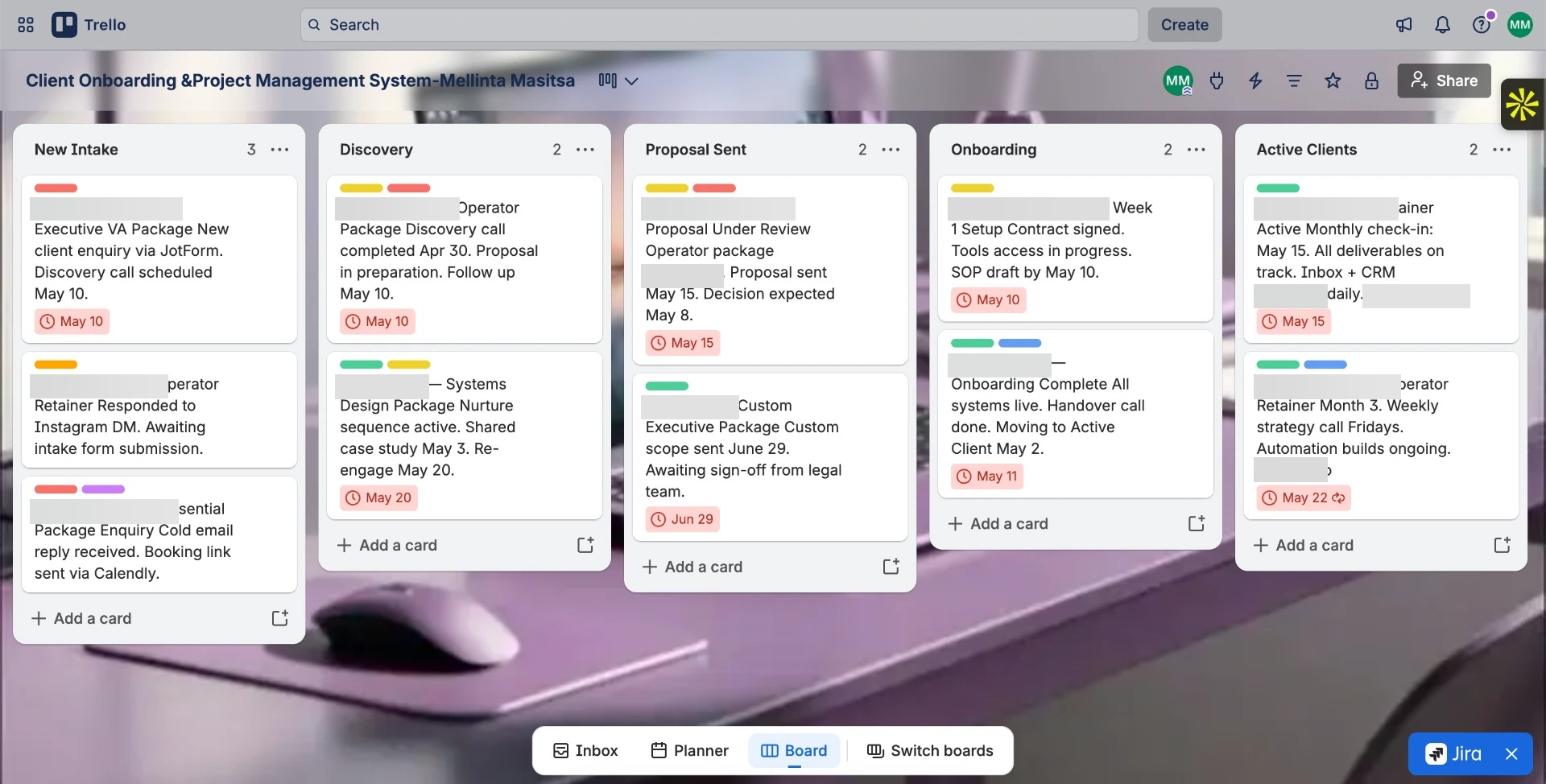
A Trello board that follows each client from first contact to ongoing work. Every client is a card, and the card moves left to right through the columns as the relationship progresses: New Intake, Discovery, Proposal Sent, Onboarding and Active Clients.
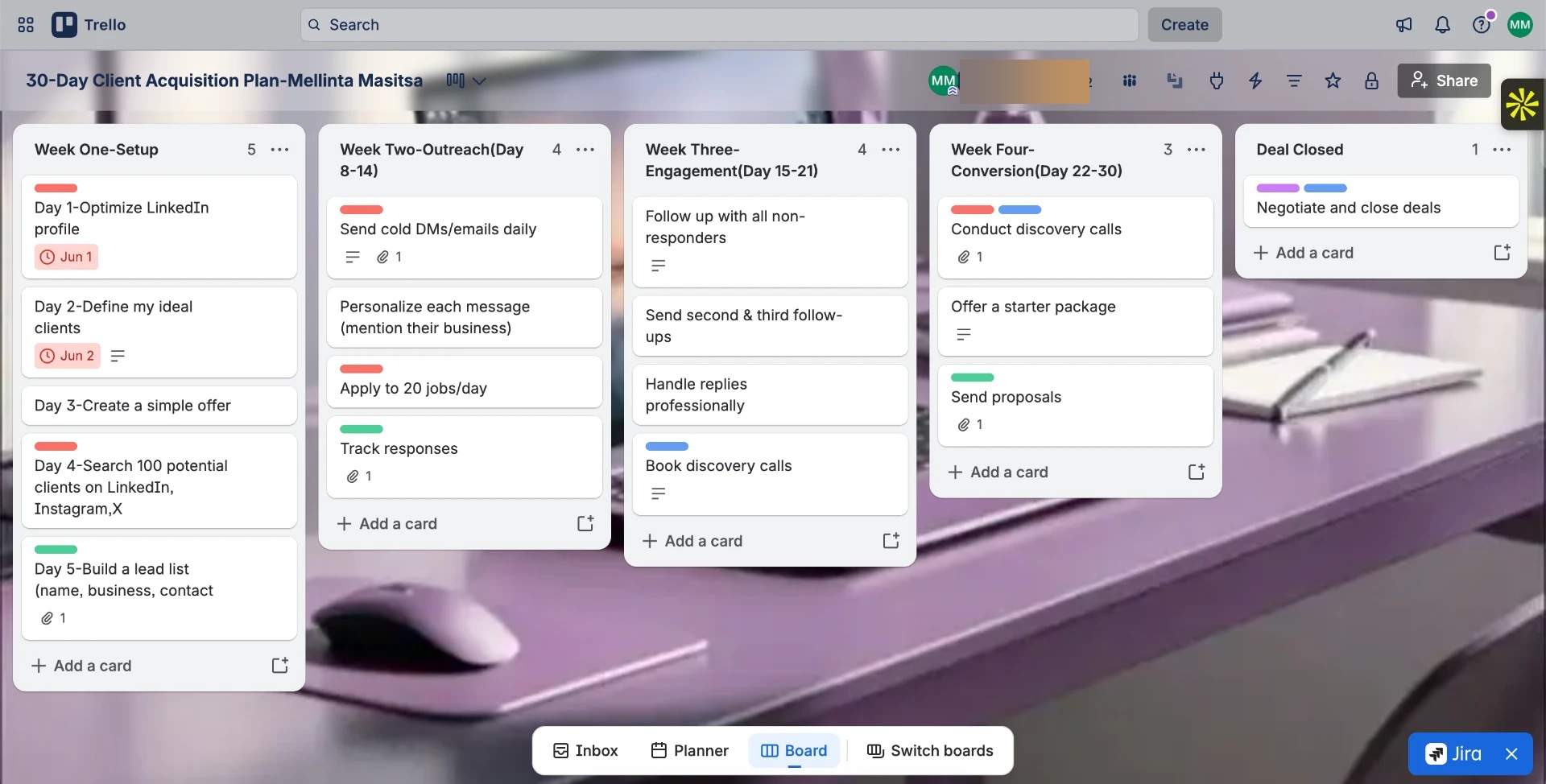
A month-long plan for finding and winning new clients, laid out week by week: Week 1 setup, Week 2 outreach, Week 3 engagement and Week 4 conversion.
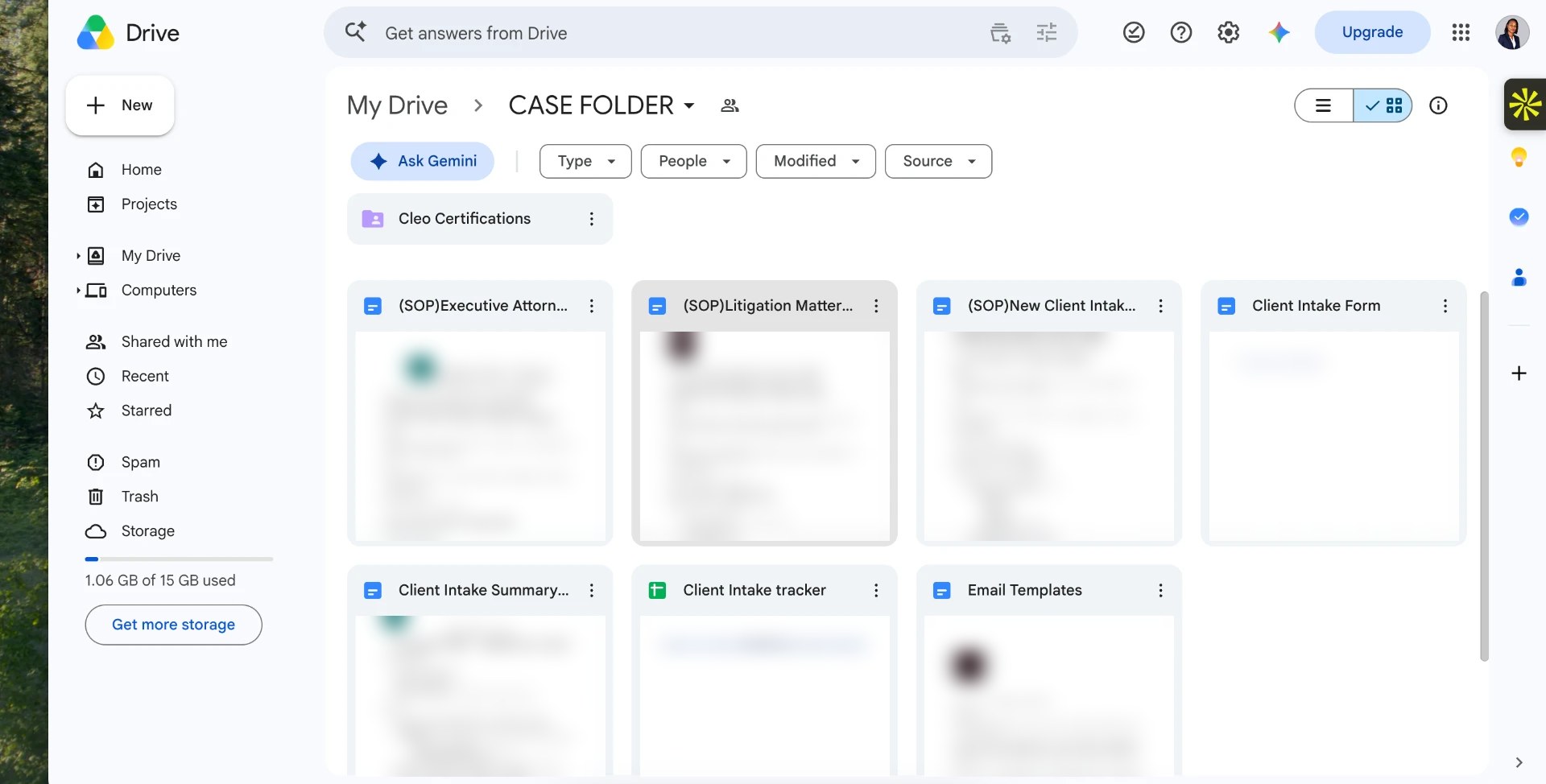
A shared case folder with standard operating procedures for attorney calendar coordination, litigation matter tracking and new client intake, plus an intake form, intake summary, intake tracker and email templates.
Clear communication, a structured process and ownership of the details. Here’s how I work.
Get clear on your priorities, responsibilities and the moving parts.
Bring structure to your information, tools and workflows.
Take ownership of the details and keep things moving.
Keep the next action visible and close the loop.
Check what’s working and refine the support as you grow.
Calendar architecture, communication pipelines and connected systems that protect your focus and reduce administrative friction.
Google Workspace · Microsoft 365 · Outlook · Google Calendar
Slack · Zoom · Google Meet · Calendly
Asana · Notion · Trello · Monday.com · ClickUp · Airtable
HubSpot · Odoo · Clio · GoHighLevel
Apollo · ContactOut · LinkedIn · Google Sheets
Zapier · Make · Google Drive · DocuSign
I provide executive virtual assistance and business operations support: calendar and inbox management, scheduling across time zones, client communication, CRM organization, research, outreach, follow-up, documentation and LinkedIn support. I handle the coordination behind the scenes so you can focus on decisions, not admin.
I support founders, executives, entrepreneurs and growing businesses in the US and internationally — from solo founders who need a reliable right hand to teams that need consistent operations support. I adapt to each client’s field, whether that is professional services, e-commerce, consulting, legal support or tech.
I am based in Kenya (East Africa Time, UTC+3) and work remotely with clients worldwide. My schedule allows strong overlap with US East Coast mornings and European working hours, and I agree response-time and availability expectations with each client during our discovery call.
I work across the tools modern businesses already use: Google Workspace and Microsoft 365 for daily operations; Slack, Zoom and Calendly for communication and scheduling; Asana, Notion, Trello, Monday.com, ClickUp and Airtable for project management; HubSpot, Odoo, Clio and GoHighLevel for CRM; Apollo, ContactOut and LinkedIn for research and outreach; and Zapier and Make for automation. I learn new platforms quickly and slot into the systems you already run.
It starts with a free 30-minute discovery call to discuss your priorities. I then send a proposal within 24 hours, and onboarding can begin within 72 hours — including access setup, a walkthrough of your tools and an agreed communication rhythm.
The gallery shows real CRM, scheduling, project planning and onboarding setups I have built and managed, alongside my own workspace samples. Identifying details are permanently blurred where needed; the captions explain the visible setup without claiming measured client results.
Tell me what’s taking up your time. Send an inquiry below and I’ll get back to you, or book a discovery call directly.
Form not loading? Open the inquiry form in a new tab